Leave feedback
on any page.
Enter a public page and use Nori the way a tester would: point at anything, drag across an area, or leave a note.
Work in progressNori is still being built, so this demo and the guide below may differ from the final product.
Notes stay in this tab and disappear when you leave. Pages are fetched by our server for the demo, and some sites block that or need their own domain to run.
How Nori works,
step by step.


Find Nori
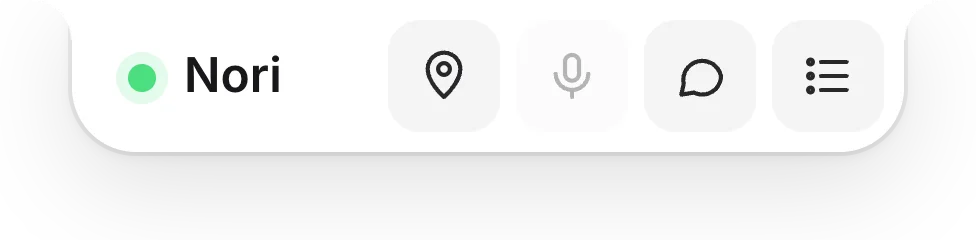
A small tab waits at the top of the page while you test.
Hover for quick actions
Note, voice, a general comment or your comments list, one click away.
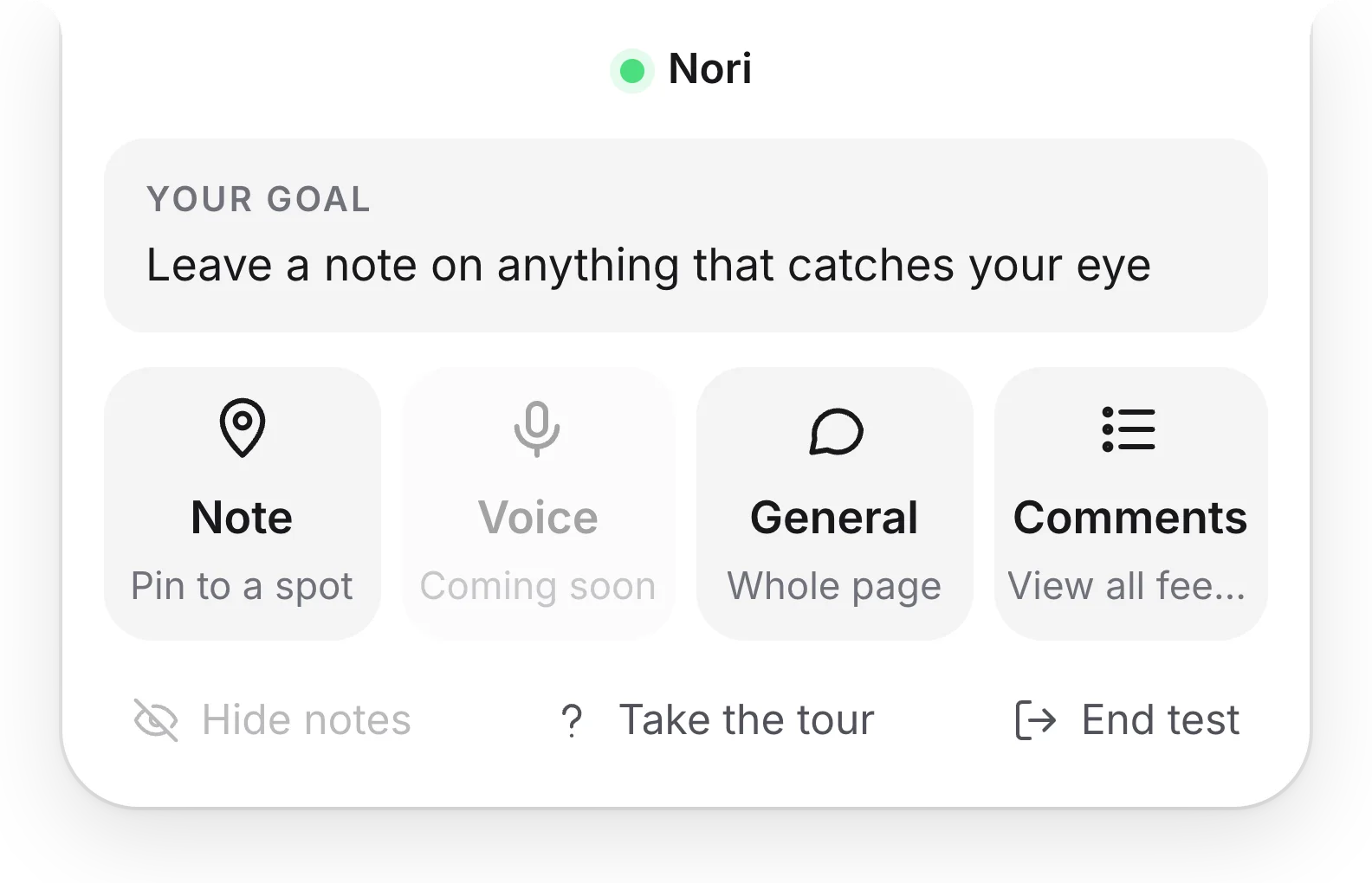
Open the menu
Click Nori to see the test's goal and every tool.
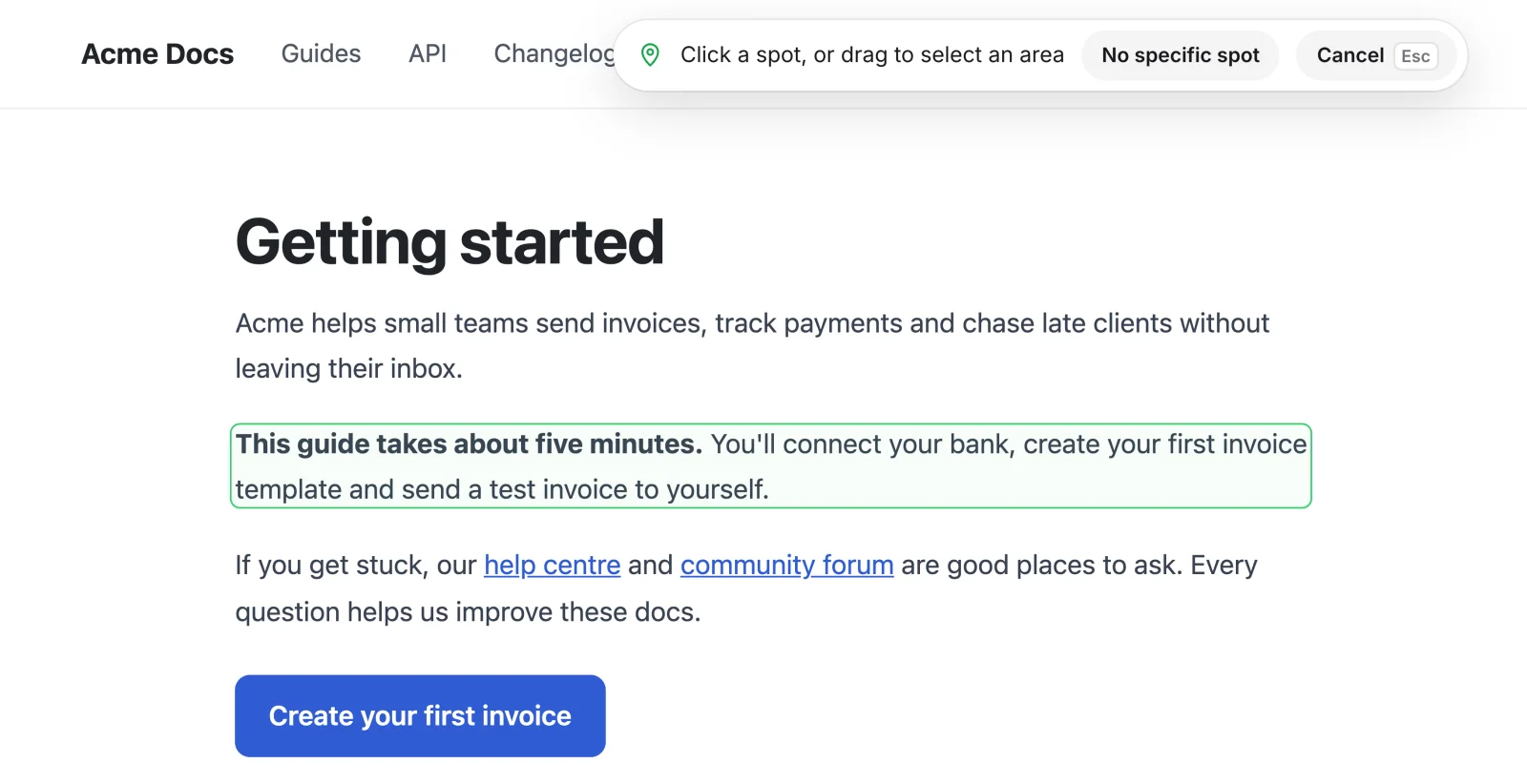
Point at it
Choose Note, then point at whatever you want to talk about.
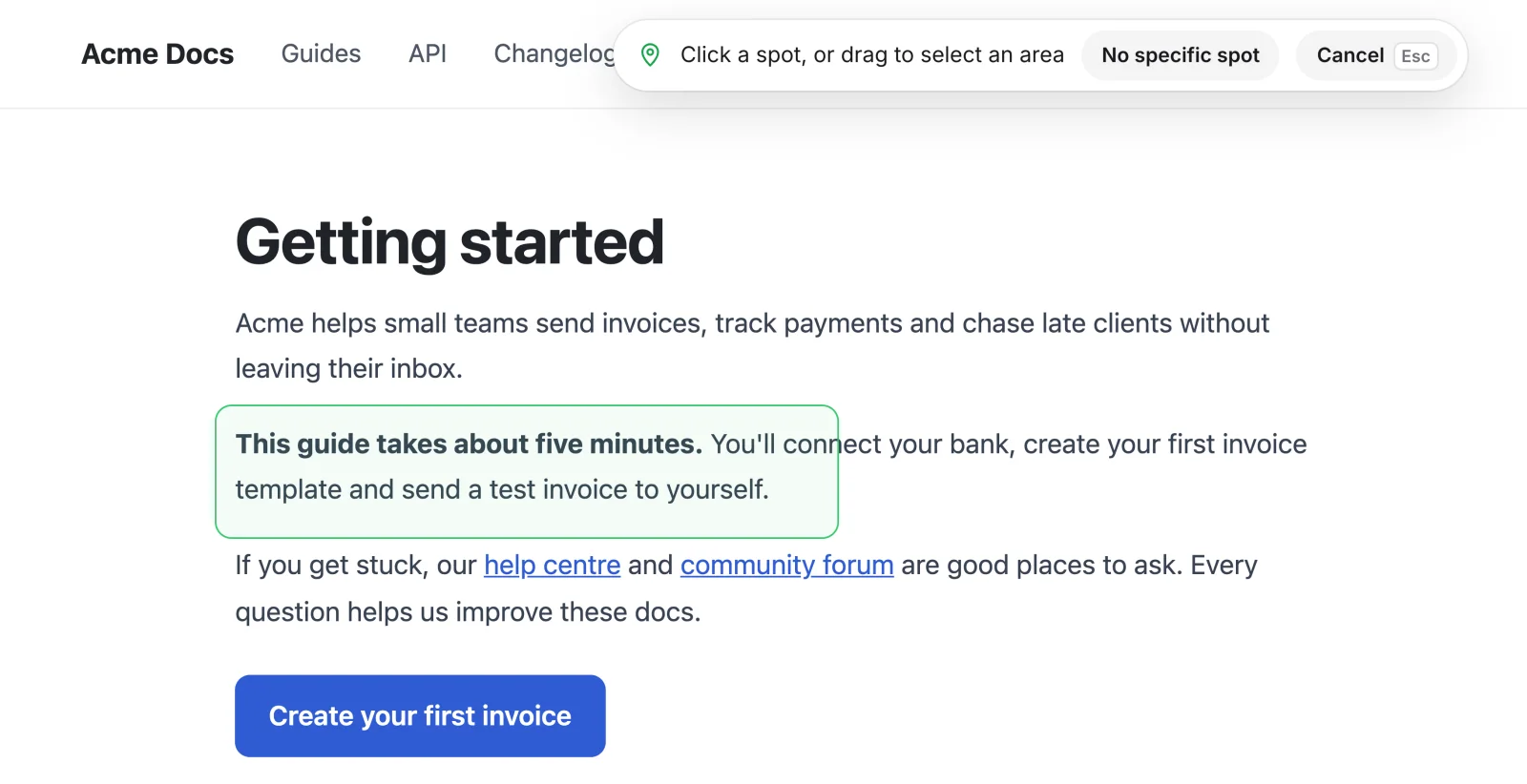
Or drag an area
Drag across a section to select just that part.
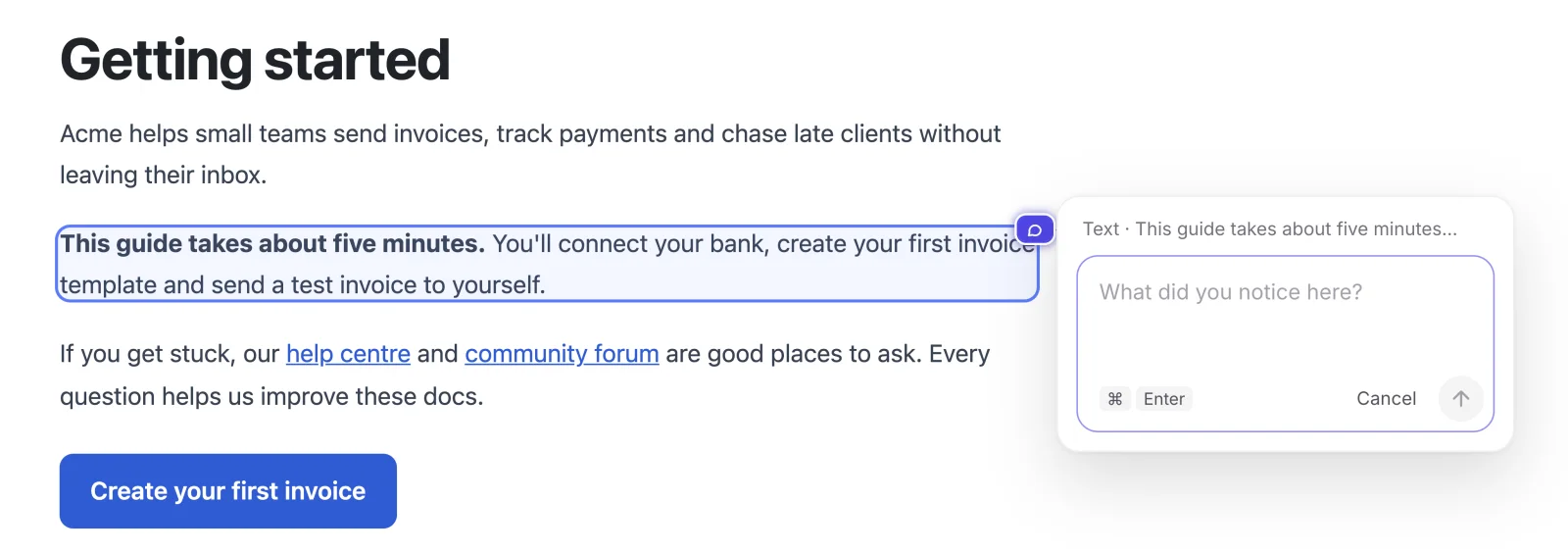
Write your note
Say what you noticed, then send it with ⌘ Enter.
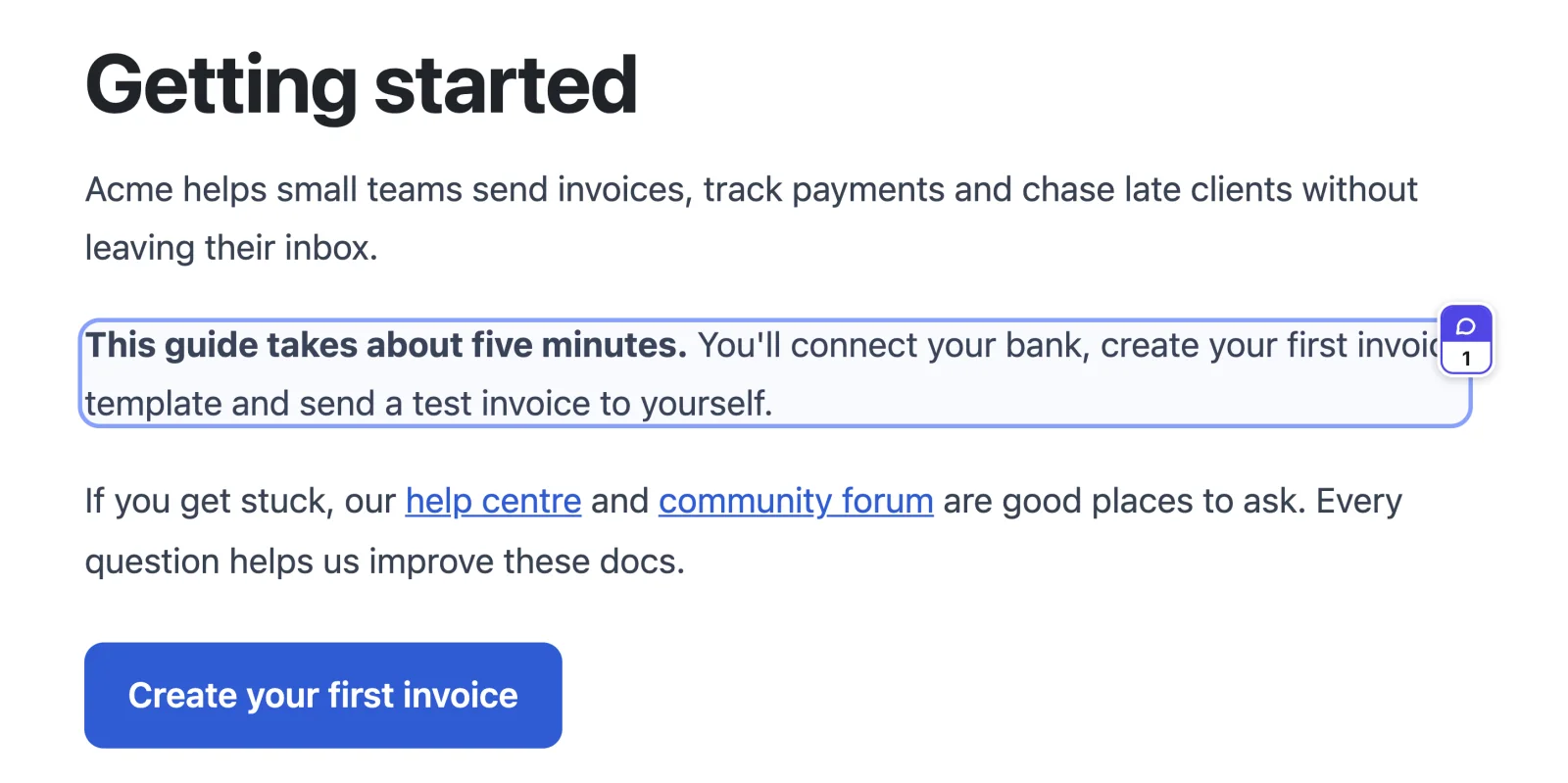
It stays pinned
The note stays on that part of the page, even as it scrolls.
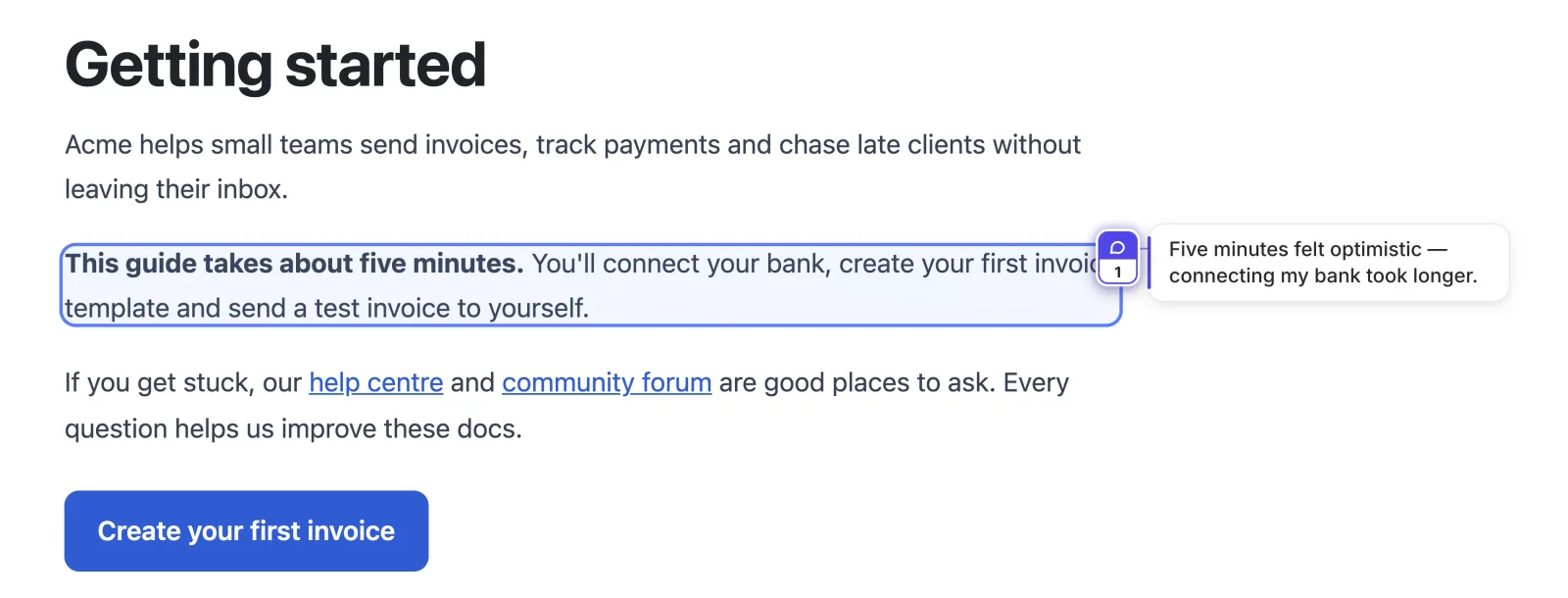
Hover to preview
Hover the pin to read the note without opening it.
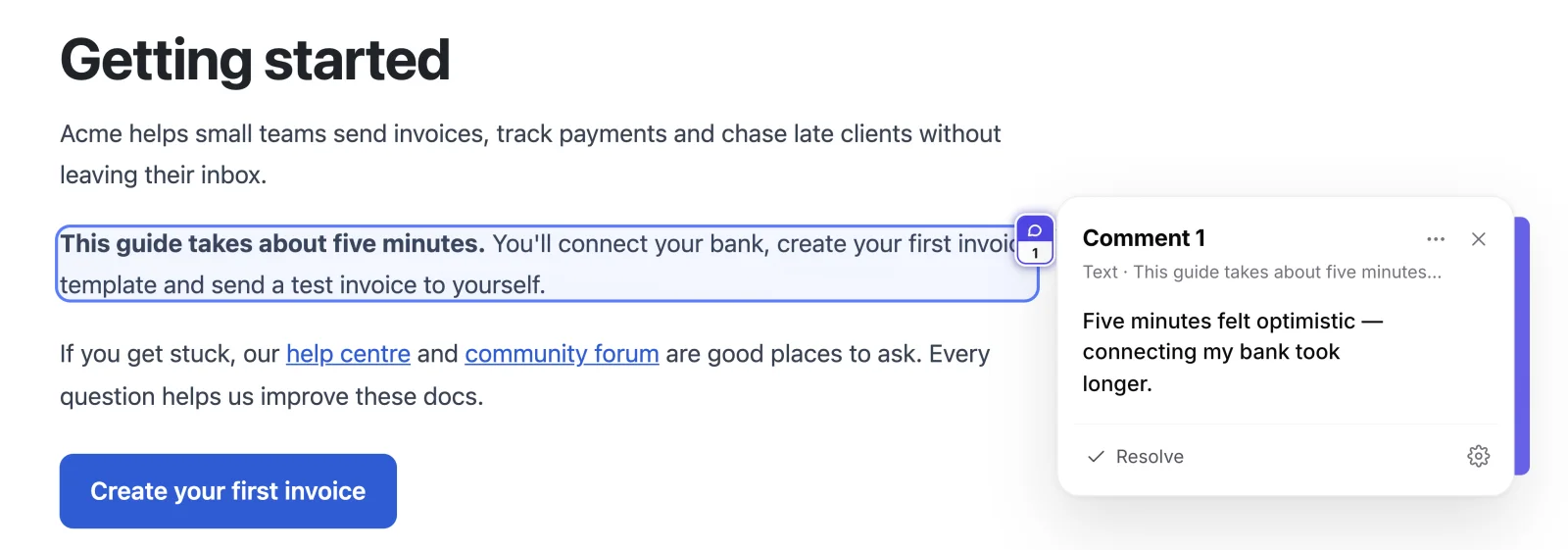
Open the note
Click the pin to read it, reply or mark it resolved.
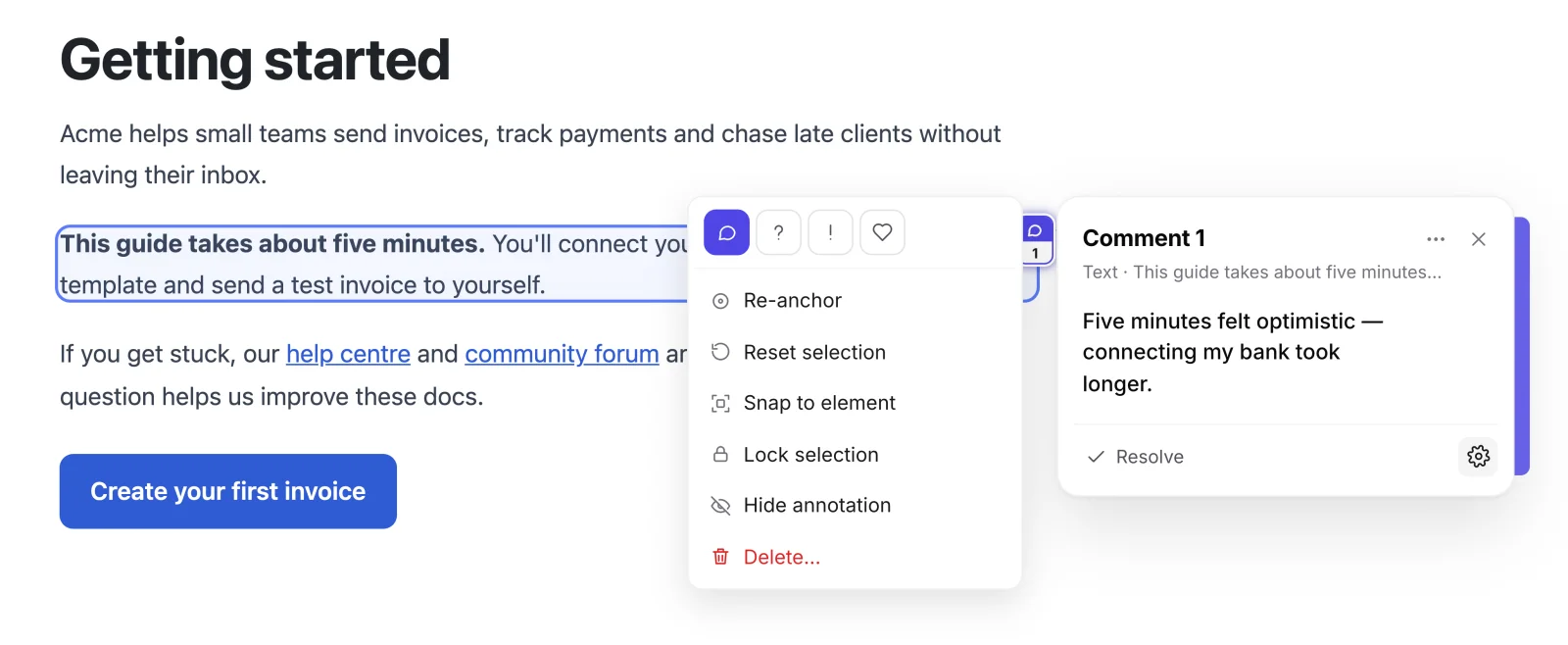
Note settings
The gear changes the note's type, moves or locks it, hides it or deletes it.
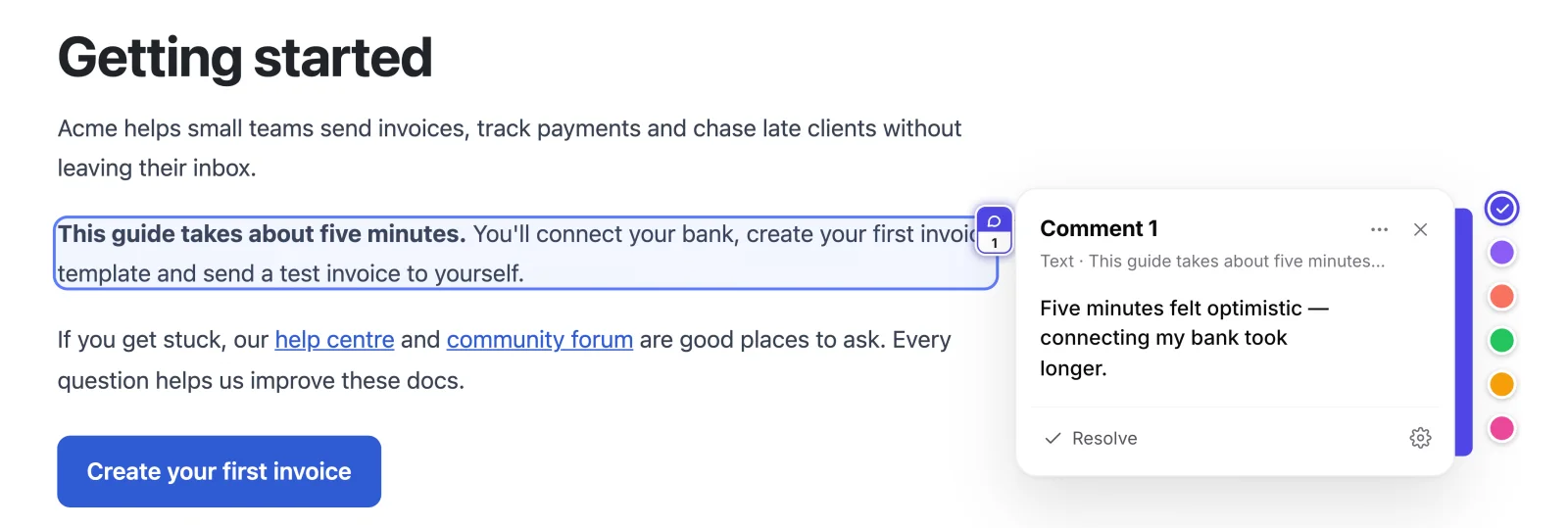
Change its colour
Click the coloured strip on the edge of an open note.
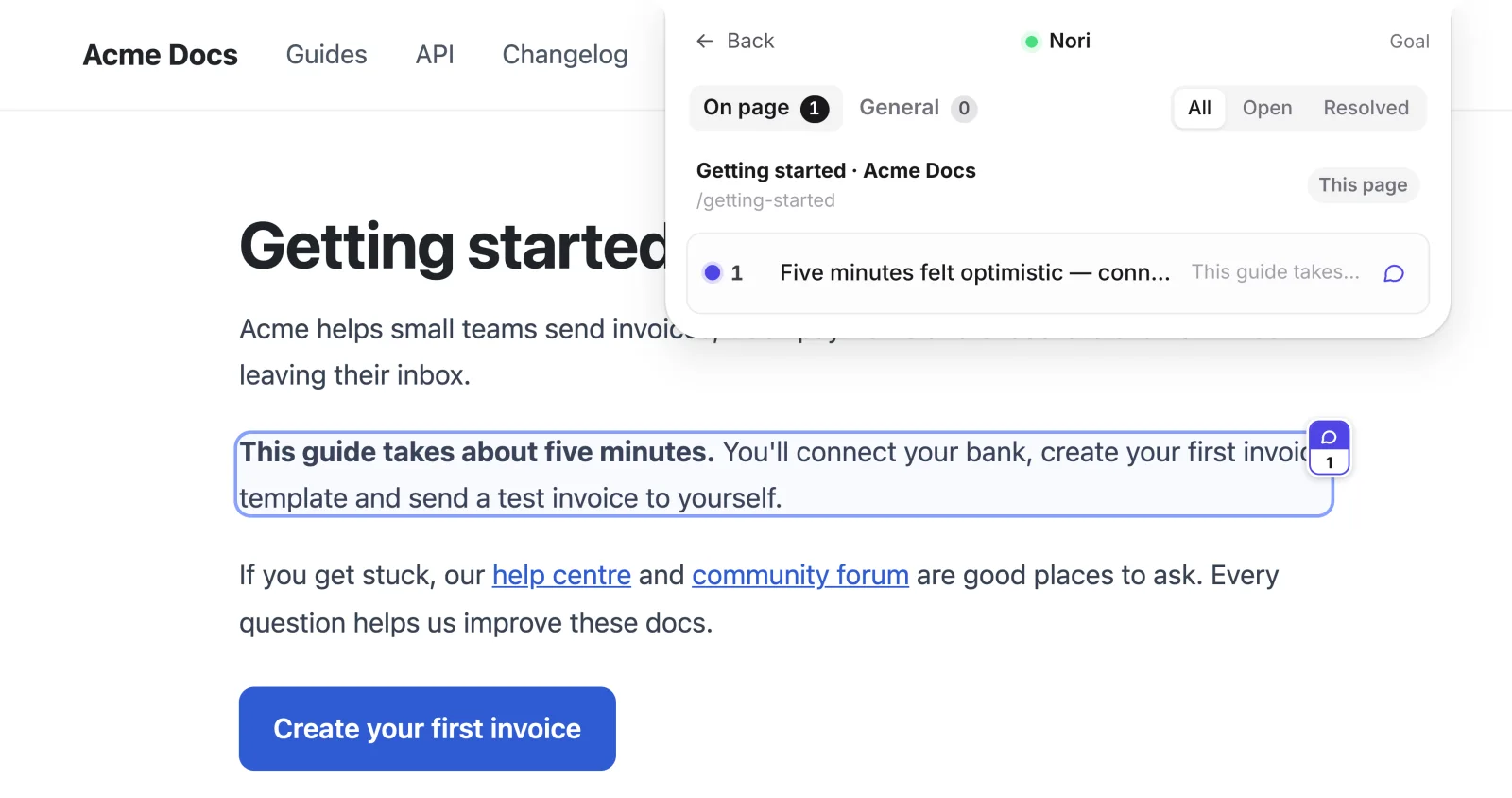
See every comment
The Comments list gathers your notes, grouped by page.